


|
Name |
SideQuest |
|---|---|
|
Google Play Link |
GET IT ON
Google Play
|
|
Category |
Tools |
|
Developer |
SideQuest Ltd |
| Last version | 2.3.0 |
|
Updated |
|
|
Compatible with |
Android 4.4 + |
What is SideQuest APK?
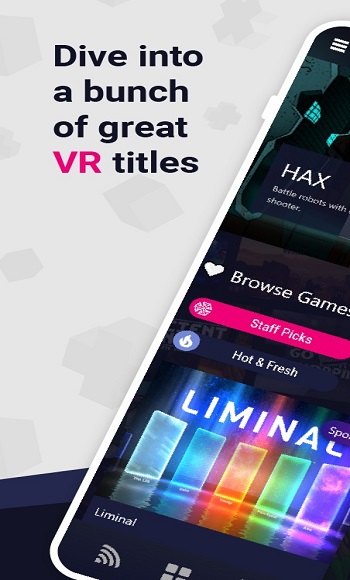
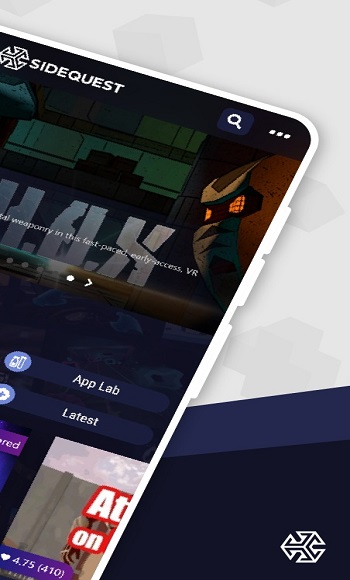
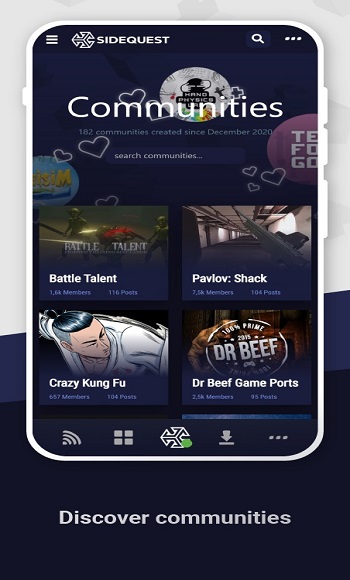
SideQuest is a third-party platform that helps Oculus Quest users install and manage VR apps that aren’t available through Meta’s official store. While it doesn’t come preloaded on your headset, the app works seamlessly with PCs or Android phones to expand the range of available content. It opens the door to experimental VR projects, modding tools, and games in early development stages all with a clean interface that’s beginner-friendly.
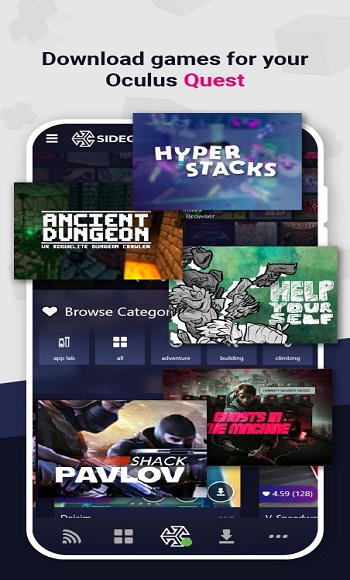
The main reason people use SideQuest is to sideload VR apps. That just means installing apps manually instead of relying on Meta’s curated store. The app simplifies this process by providing a huge library of community-made titles, early-access games, and developer tools all in one place. You don’t need to be tech-savvy to use it, though you will need to set up Developer Mode once on your headset. After that, everything is fairly smooth.
What makes the platform stand out is its support for both desktop and mobile. You can manage your VR content via a computer, but many users prefer the mobile version for its wireless installation capabilities. That means no cords and no complex scripts just tap to install and update. It’s a time-saver for anyone who likes to switch between apps regularly or try new ones on the go.
There’s a lot of value for indie developers here too. The app provides a direct way to share new projects with real players without having to jump through the hoops of Meta’s strict approval process. It helps creators build an audience early and gather feedback quickly, which is a big deal in a growing VR space.
Still, there are a few minor hiccups. If your setup isn’t correct, apps might not install properly or could crash on launch. And since the content is unofficial, not everything runs perfectly. Some users may also be wary of sideloading due to concerns about safety, though the platform does a good job of vetting uploads and giving visibility to trusted developers.
Overall, this app is best suited for VR users who like trying new things, developers looking for a launchpad, or anyone who finds the Oculus Store too limiting. If you’re curious about modding, supporting small creators, or expanding your VR library in new directions, this tool offers a lot with minimal fuss.
FAQs SideQuest
What is SideQuest?
+
SideQuest is a third-party platform that lets Oculus Quest users sideload apps and access indie VR games, mods, and experimental features.
Is SideQuest safe to use with my Oculus Quest?
+
Yes, it's widely used and considered safe. It verifies uploads and lets users see ratings, reviews, and developer info before installing any content.
Do I need a PC to use SideQuest?
+
Only for the first setup. After that, you can use the mobile version to install and manage apps wirelessly without needing a computer.
Can I install mods for games using SideQuest?
+
Absolutely. SideQuest supports mods for certain VR games, letting you tweak graphics, gameplay mechanics, and add custom features.
Who should try using SideQuest?
+
It’s great for VR fans who want more than what Meta offers—like indie games, early builds, and custom mods—or for developers testing new ideas.
Discover More Interesting Apps
-

K2er
v0.4.123
46.16 Mb
Updated -
Songhub Zip Songhub
v3.1.67
25 MB
Updated -
Mod
InSave
v2.0.5
31.63 Mb
Updated -
DITO APP
v2.12.06
76.77 Mb
Updated -
Mod
Jump Jump VPN
v3.3.1
366.00 Mb
Updated -
Clear Status
v3.21
40 MB
Updated -
SongHub
v1.0
11 MB
Updated -
TikFinity
v2.6.13
88.43 Mb
Updated -
Surfshark VPN
v3.35.0
171.00 Mb
Updated -
Mod
Passport Photo Maker
v3.3.4
32.75 Mb
Updated










Share Your Thoughts